
Services
Strategy
We find the clearest path from what your business needs to what your website should do.
What’s included
- Page strategy
- Landing page strategy
- Site architecture
- Content planning
- Wireframes
- Migration planning




Branding
We shape a distinct visual identity that works on screen first and carries through everything you make.
What’s included
- Visual identity
- Brand refresh
- Colour & typography
- Moodboards & direction
- Brand guidelines
- Digital brand systems
Recent work


Design
We turn the plan into a distinct, usable design that feels right for your brand and works across every screen.
What’s included
- Website design
- UI design
- Responsive design
- Design systems
- Visual direction
- Content presentation


Development
We build fast, reliable websites in Webflow or with custom code, with the integrations each project needs.
What’s included
- Webflow development
- Custom website development
- Custom interactions
- Performance engineering
- CRM & email integrations
- Booking & payments


SEO & AI search
We make your site easy for search engines and AI assistants to find, understand and point people to.
What’s included
- Technical SEO
- AI search & AEO
- Structured data
- Answer-ready content
- Core Web Vitals
- AI crawler access
Optimisation
We keep improving what happens after launch, using real behaviour data to turn more visitors into enquiries.
What’s included
- Conversion optimisation
- A/B changes
- Landing pages
- Copy reworks
- Analytics & heatmaps
- Monthly improvements
Recent work
Latest
The newest posts, across every topic.



Design
Planning and designing websites, and the tools we use.



Development
Webflow, Astro, Claude Code, CMS choices and what builds really take.

SEO & AI search
Getting found in Google and quoted by AI assistants.


Studio
How we run projects, from proposals to launch week.



Astro web development for marketing teams
Astro web development explained for marketing teams: who it suits, when Webflow is the better fit, and our guides to building, SEO, CMS and migrating to Astro.
- Written by
 Matthew Bishop
- Published
- Reading time
- 5 minutes
Astro web development means building your website as code with Astro, a framework that turns components and content files into fast, plain HTML pages. It suits content-led marketing sites whose team is happy to review changes on a preview, or to edit through a headless CMS or an AI assistant. If your marketers want to build and publish pages themselves in a visual editor, Webflow is usually the better choice.
This guide brings together what we’ve learned building Astro sites, from deciding whether Astro is right to moving an existing site across, with a link to the detailed guide behind each part.
We build both. Most of our client sites are on Webflow, and our own site and Generate’s are built with Astro.
1. Is Astro right for your team?
Astro is a good fit when the site needs things a page builder makes hard, such as custom tools, calculators or bulk changes across hundreds of pages, or when changes already come through a developer or an AI assistant. It sends no JavaScript unless you add it, so pages stay light by default.
Webflow is the better fit when the marketing team builds pages itself, every week, from the site’s components. That’s most of the teams we work with. The trade-off we weigh on every project is setup against iteration: Webflow is quick to set up and slower to change in bulk, and a site built as code is the opposite.
Read more: Webflow vs Astro: which suits your website?, comparing who edits, how changes go live, performance and cost. Weighing up frameworks? See Astro vs Next.js for marketing sites, and Webflow vs Next.js for the platform side.
2. Building the site
An Astro site starts with one layout and a set of reusable sections, so a new page is mostly a matter of choosing and filling them. Content such as posts and case studies lives in content collections, checked against a schema every time the site builds. Every change goes to a preview before it reaches the live site.
We built our own site this way, with Astro 7 on Vercel, from Paper designs. From the first build to live on its domain took five days, and on launch day it scored 100 for SEO and best practices in Lighthouse.
Read more: How to build a website with Astro, eight steps from our own site, with why teams move to Astro from WordPress, Framer or Webflow. Building with AI? See How to build a website with Claude, the prompts and rules we used.
3. How your team edits it
There are three ways a marketing team edits an Astro site: through a headless CMS connected to it, through Markdown files in the code, or by asking an AI assistant for a change and checking it on a preview. We use Sanity on client sites. Generate keeps its blog and Summit speakers there, and its team checks every change on a preview before it goes live. On our own site, posts are Markdown files, because our changes come through code anyway.
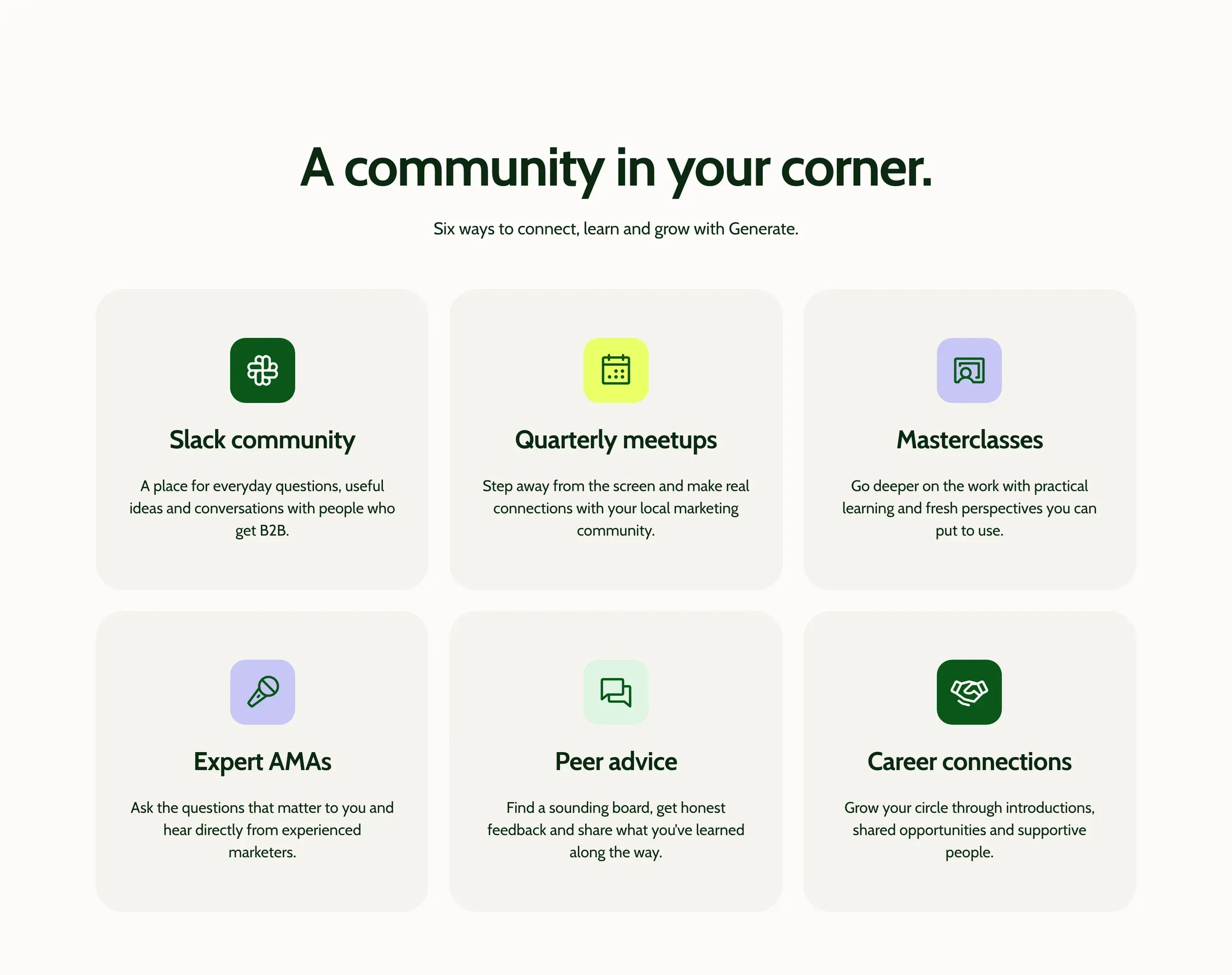
A section of Generate’s new Astro site.
Read more: The best CMS for Astro, comparing Sanity, Keystatic, TinaCMS, Storyblok and more, and How to use Sanity with Astro, with how we set it up for client teams.
4. Being found in search and AI answers
Astro gives you clean, fast HTML, and the rest you build once: titles, descriptions and canonicals from one component, a sitemap with real dates, structured data, an llms.txt file for AI tools, and redirects when you replace an older site. On our own site, Search Console showed 138 impressions in the fortnight before launch on 7 October 2026 and 2,154 in the fortnight after, helped by our journal launching the same week.
Read more: Astro SEO: how to set it up, everything our own site does for search engines and AI assistants. For the wider approach, see our SEO & AI search service.
5. Moving an existing site to Astro
A move to Astro is the same four jobs as any migration: take stock of the content, map every old address to its new home, replace what plugins or platform features did, and check it all on a preview before the domain moves. Redirects follow the old site, not the new one, so keeping your rankings depends on getting that map right.
- From WordPress: the content usually comes out as an export, posts move into collections or a CMS, and plugins become a few lines of code or a small function.
- From Webflow: Generate moved from the Webflow site we built in 2024 to an Astro and Tailwind site in 2026, with its blog and speakers in Sanity. If your team builds pages in Webflow itself, it’s usually best to stay.
Read more: WordPress to Astro migration: how to do it, Webflow to Astro migration: how to do it, with when a move makes sense and when it doesn’t, and website migration SEO, on keeping your rankings through any move.
6. Where Webflow is heading
Webflow is moving closer to code. Webflow Cloud already hosts Astro and Next.js apps alongside a Webflow site, and Source by Webflow puts code at the centre of a site with a visual canvas on top. For some teams, that will mean the choice between the two gets smaller.
Read more: What is Source by Webflow, and what changes?
Questions we get asked
What is Astro used for?
Astro is used for content-rich websites: marketing sites, blogs, documentation and online publications. It builds pages into plain HTML that loads quickly, and adds JavaScript only to the parts that need it, which suits sites where speed and search matter more than app-like behaviour.
How much does it cost to have a custom website built?
From our quotes since mid-2025 (ex GST), a landing page is usually $1,500 to $3,000, a marketing site we design and build $15,000 to $25,000, and a larger redesign with a migration or several regions $30,000 to $45,000. Ongoing support starts from $450 a month. See what a website costs.
Can ChatGPT actually create a website?
An AI assistant can write the code for a page, and a coding agent such as Claude Code can build and change a full site in your project’s files. It still needs finished designs, written rules and someone reviewing every change on a preview. We built our own Astro site that way.
Is Astro better than Webflow?
Neither is better for every team. Astro suits sites built and changed as code, with custom features and very light pages. Webflow suits marketing teams who want to build and publish pages themselves in a visual editor, with hosting and upkeep handled for them.
If you’re weighing up Astro or a custom-coded site, see our Webflow and custom development service, or tell us about your site.