
Services
Strategy
We find the clearest path from what your business needs to what your website should do.
What’s included
- Page strategy
- Landing page strategy
- Site architecture
- Content planning
- Wireframes
- Migration planning




Branding
We shape a distinct visual identity that works on screen first and carries through everything you make.
What’s included
- Visual identity
- Brand refresh
- Colour & typography
- Moodboards & direction
- Brand guidelines
- Digital brand systems
Recent work


Design
We turn the plan into a distinct, usable design that feels right for your brand and works across every screen.
What’s included
- Website design
- UI design
- Responsive design
- Design systems
- Visual direction
- Content presentation


Development
We build fast, reliable websites in Webflow or with custom code, with the integrations each project needs.
What’s included
- Webflow development
- Custom website development
- Custom interactions
- Performance engineering
- CRM & email integrations
- Booking & payments


SEO & AI search
We make your site easy for search engines and AI assistants to find, understand and point people to.
What’s included
- Technical SEO
- AI search & AEO
- Structured data
- Answer-ready content
- Core Web Vitals
- AI crawler access
Optimisation
We keep improving what happens after launch, using real behaviour data to turn more visitors into enquiries.
What’s included
- Conversion optimisation
- A/B changes
- Landing pages
- Copy reworks
- Analytics & heatmaps
- Monthly improvements
Recent work
Latest
The newest posts, across every topic.



Design
Planning and designing websites, and the tools we use.

Development
Webflow, Astro, Claude Code, CMS choices and what builds really take.


SEO & AI search
Getting found in Google and quoted by AI assistants.



Studio
How we run projects, from proposals to launch week.



Webflow vs Astro: which suits your website?
Webflow or Astro for a marketing site? Who edits it, how changes go live, performance, cost and upkeep, from sites we’ve built on both.
- Written by
 Matthew Bishop
- Published
- Reading time
- 6 minutes
Choose Webflow if your marketing team wants to build and edit pages itself in a visual editor, with hosting and upkeep handled for you. Choose Astro if you want a fast, fully custom site built as code, and you’re happy to make changes through a developer or an AI assistant and check each one on a preview before it goes live.
We build both. Most of our client sites are on Webflow, and our own site and Generate’s are built with Astro. Here’s how they compare in practice.
What each one is
- Webflow is a website platform: a visual editor, a CMS and hosting in one plan. Pages are built from the site’s own components, and your team edits them in the browser.
- Astro is “the web framework for building content-driven websites like blogs, marketing, and e-commerce” (Astro). It renders pages on the server, and sends no JavaScript to the browser unless a part of the page needs it.
Astro is a framework, not a platform. You get code, which you host somewhere such as Vercel, and you choose how content is edited: Markdown files in the code, a headless CMS, or an AI assistant that makes changes for you.
How they compare
Prices are in US dollars before tax, from the official pricing pages on 11 October 2026.
| Webflow | Astro | |
|---|---|---|
| Who edits pages | Your team, in a visual editor, from the site’s components | A developer, an AI assistant, or your team through a connected CMS |
| How changes go live | Edit, check on staging, publish | Change the code, review it on a preview link, publish |
| Content | Webflow’s CMS: 20,000 items and 40 collections on Premium | Content collections (Markdown with checked fields), or a headless CMS |
| JavaScript in the browser | Webflow’s own, plus anything you add | None by default; added only where a page needs it |
| Hosting and upkeep | Included and managed by Webflow | A host such as Vercel; the code’s dependencies need keeping up to date |
| More than one language | Webflow Localize, an add-on from US$9 a month | Built into the site |
| Platform cost | From US$15 a month billed yearly, or US$25 with the CMS | Hosting, such as Vercel Pro at US$20 a month; every feature is build work |
| Best fit | Marketing teams who want to publish without a developer | Teams who want full control and are happy to review changes on a preview |
Prices from webflow.com/pricing and vercel.com/pricing. Vercel’s free Hobby plan is for personal, non-commercial use.
When Webflow is the better choice
- Your marketing team wants to build pages itself. Marketers assemble new pages from approved components and edit the CMS without a developer (how that works). Endeavour Lotteries’ team builds every campaign page from about 20 components.
- You publish a lot of content. The blog, case studies, resources and FAQs live in a CMS with roles, drafts and scheduled publishing.
- You don’t want to own the upkeep. Hosting, security, SSL and backups come with the plan (what Webflow maintenance involves).
- You want to hire for it easily. Webflow is widely used, so agencies, freelancers and in-house designers who know it are easy to find.
When Astro is the better choice
- Speed is a priority. Astro sends no JavaScript by default, so pages are light. Our own site scored 100 for SEO and best practices in Lighthouse on launch day, and 95 to 100 for performance on mobile.
- The design goes beyond a page builder. Custom interactions, calculators and integrations are all just code.
- Your team is happy to review rather than edit. Generate’s team changes its site by asking an AI assistant, which makes the change on a separate preview copy; they check it there before it goes live.
- You want no platform plan. You pay for hosting and the build, not a site plan per site.
The trade-off is that everything beyond the basics is build work, there’s no visual editor unless you connect a CMS, and the workflow needs setting up well at the start.
What it looks like in practice
- Webflow: Altus’ marketing team runs its English and German site itself, building pages from components and publishing from the CMS.
- Astro, edited by us: our own site went from the first build to live on its domain in five days, built with Claude Code from Paper designs, with every change reviewed on a preview first (how we built it).
- Astro, edited by the client: Generate’s team asks an AI assistant for changes, which follow written rules about how pages are built, and checks each one on a preview.
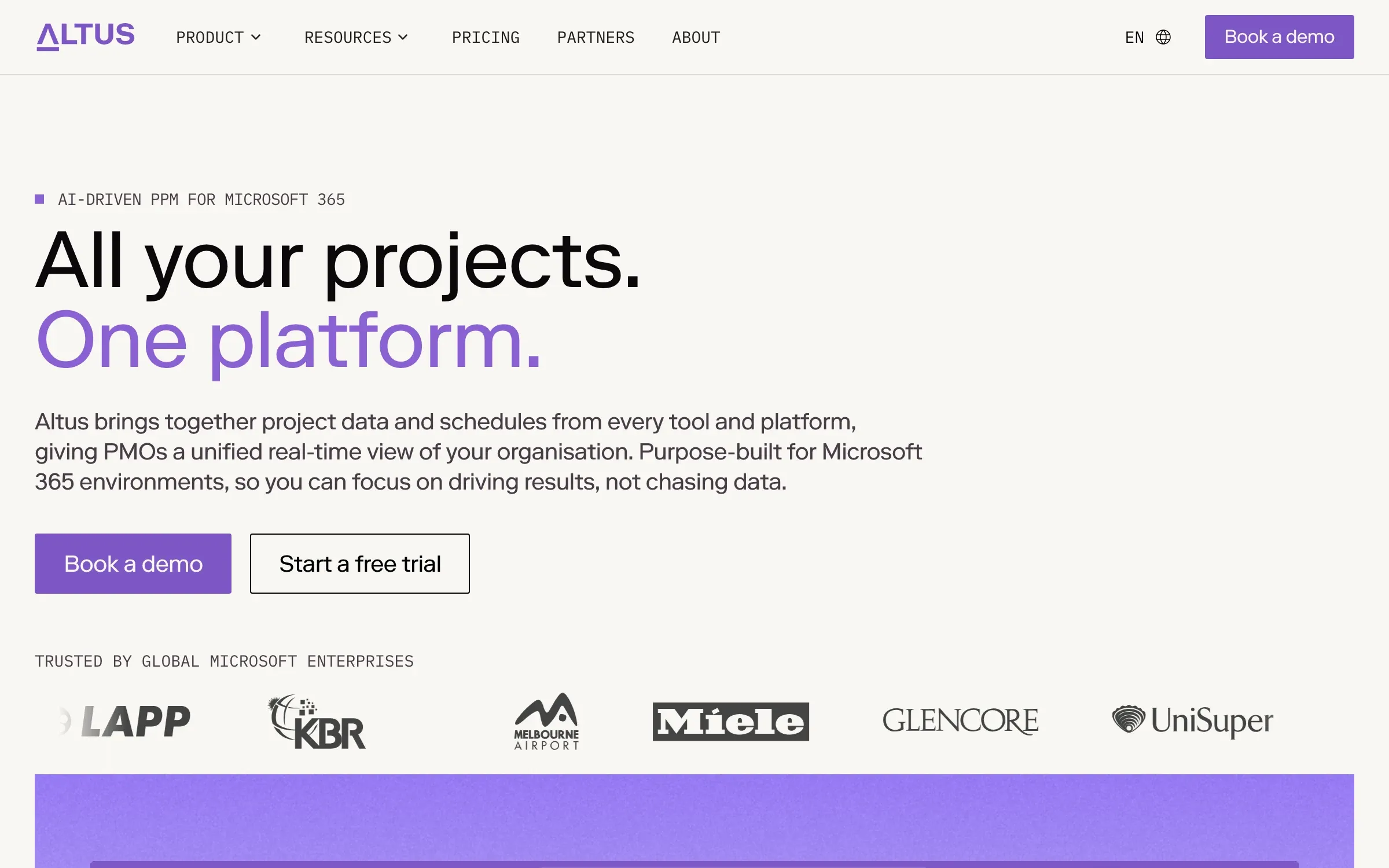
Altus’ site, which its marketing team runs in Webflow, building pages from components.
How to decide
- Who will make most of the changes? If it’s your marketing team, building whole pages, choose Webflow. If you’re happy to ask for changes and review them, Astro works well.
- How much does speed matter? Both can be fast; Astro makes it the default.
- How often do you need new layouts? A component library your team can use favours Webflow; bespoke one-off pages favour code.
- Who looks after it? Webflow handles hosting and upkeep. An Astro site needs someone to keep its code up to date.
If the site needs logged-in areas or app-like features, compare Webflow vs Next.js too. For the costs on each side, see how to scope and budget a website.
Questions we get asked
Is Astro better than Webflow for SEO?
Both can do everything search engines need: fast pages, clean HTML, titles, sitemaps, redirects and structured data. Astro makes very light pages the default; Webflow gives your team the SEO settings in its editor. The difference is who sets things up, not what’s possible.
Can a marketing team edit an Astro site?
Yes, in one of three ways: through a headless CMS connected to the site, through Markdown files, or by asking an AI assistant for changes and checking them on a preview. We compare the options in the best Astro CMS options. Webflow is still easier for teams who want to build whole pages themselves.
Is Astro cheaper than Webflow?
The platform can be: hosting on Vercel Pro is US$20 a month, against US$25 a month billed yearly for Webflow with the CMS. But on Astro more of the work is build time, so the total depends on how much the site changes after launch.
Should we move from Webflow to Astro?
Only if Webflow is holding you back: designs or features it can’t do, speed you can’t reach, or a team that would rather review changes than build pages. If your marketers are publishing happily in Webflow, it’s usually best to stay.
If you’d like help choosing, see our Webflow and custom development service, or tell us about your site.