
Services
Strategy
We find the clearest path from what your business needs to what your website should do.
What’s included
- Page strategy
- Landing page strategy
- Site architecture
- Content planning
- Wireframes
- Migration planning




Branding
We shape a distinct visual identity that works on screen first and carries through everything you make.
What’s included
- Visual identity
- Brand refresh
- Colour & typography
- Moodboards & direction
- Brand guidelines
- Digital brand systems
Recent work


Design
We turn the plan into a distinct, usable design that feels right for your brand and works across every screen.
What’s included
- Website design
- UI design
- Responsive design
- Design systems
- Visual direction
- Content presentation


Development
We build fast, reliable websites in Webflow or with custom code, with the integrations each project needs.
What’s included
- Webflow development
- Custom website development
- Custom interactions
- Performance engineering
- CRM & email integrations
- Booking & payments


SEO & AI search
We make your site easy for search engines and AI assistants to find, understand and point people to.
What’s included
- Technical SEO
- AI search & AEO
- Structured data
- Answer-ready content
- Core Web Vitals
- AI crawler access
Optimisation
We keep improving what happens after launch, using real behaviour data to turn more visitors into enquiries.
What’s included
- Conversion optimisation
- A/B changes
- Landing pages
- Copy reworks
- Analytics & heatmaps
- Monthly improvements
Recent work
Latest
The newest posts, across every topic.



Design
Planning and designing websites, and the tools we use.



Development
Webflow, Astro, Claude Code, CMS choices and what builds really take.

SEO & AI search
Getting found in Google and quoted by AI assistants.


Studio
How we run projects, from proposals to launch week.



Astro vs Next.js for marketing sites
Astro or Next.js for a marketing site? How each builds pages, how much JavaScript it sends, who edits it and when a site needs a React app, from our builds.
- Written by
 Matthew Bishop
- Published
- Reading time
- 6 minutes
For a marketing site, choose Astro: it’s built for content-led sites, sends plain HTML with no JavaScript unless a part of the page needs it, and keeps content in checked Markdown files or a connected CMS. Choose Next.js when the site is really an application, with logins, dashboards, account pages or pages built from live data, and you have React developers to run it. You can also have both: the marketing site in Astro, the product in Next.js.
We build marketing sites as code in Astro, including our own and Generate’s. We haven’t shipped a Next.js marketing site, so the Next.js side of this comparison comes from its documentation, and the Astro side from what we’ve built.
What each one is
- Astro is a framework for content-driven websites. Its docs say it was “designed to showcase your content and to allow you to opt-in to interactivity only as needed” (Astro). Each page is built as its own HTML page.
- Next.js is “a React framework for building full-stack web applications” (Next.js). You build the interface from React components, and Next.js adds routing, rendering and server features on top. It’s made by Vercel.
Astro’s own migration guide sums up the difference: a Next.js project is a React single-page app, and an Astro project is a multi-page site (Astro).
How they compare for a marketing site
| Astro | Next.js | |
|---|---|---|
| Built for | Content-led sites: marketing, blogs, documentation | Full-stack web applications built with React |
| JavaScript in the browser | None by default; added only to the parts that need it | React runs in the browser alongside server rendering |
| Content | Content collections (Markdown with checked fields), or a headless CMS | Whatever you connect: files, a headless CMS or a database |
| Interactive parts | Components in React, Vue, Svelte and others, loaded only where used | Everything is React |
| Logins, dashboards, live data | Possible with server rendering, but not what it’s designed around | What it’s designed for |
| Who it suits | Marketing teams with a developer, an agency or an AI assistant making changes | Product teams with React developers |
| Upkeep | Astro and any integrations | React, Next.js and their dependencies |
When Astro is the better choice
- Most of the site is content. Home, product, pricing, landing pages, case studies and a journal are pages to read, not an app to use. Astro builds them as plain HTML.
- Speed matters. Astro’s docs list “zero JS, by default” among its features (Astro). On launch day our own Astro site scored 95 to 100 for performance on mobile in Lighthouse, and 100 for SEO and best practices.
- The interactive parts are few. A calculator, a form or a carousel can be a React component inside an Astro page, through Astro’s official React integration, which “enables rendering and client-side hydration for your React components” (Astro). The rest of the page stays static.
- Changes come through review. An Astro page reads close to HTML, so a change made by a developer or an AI assistant is easy to check on a preview before it goes live. That’s how Generate’s team updates its site.
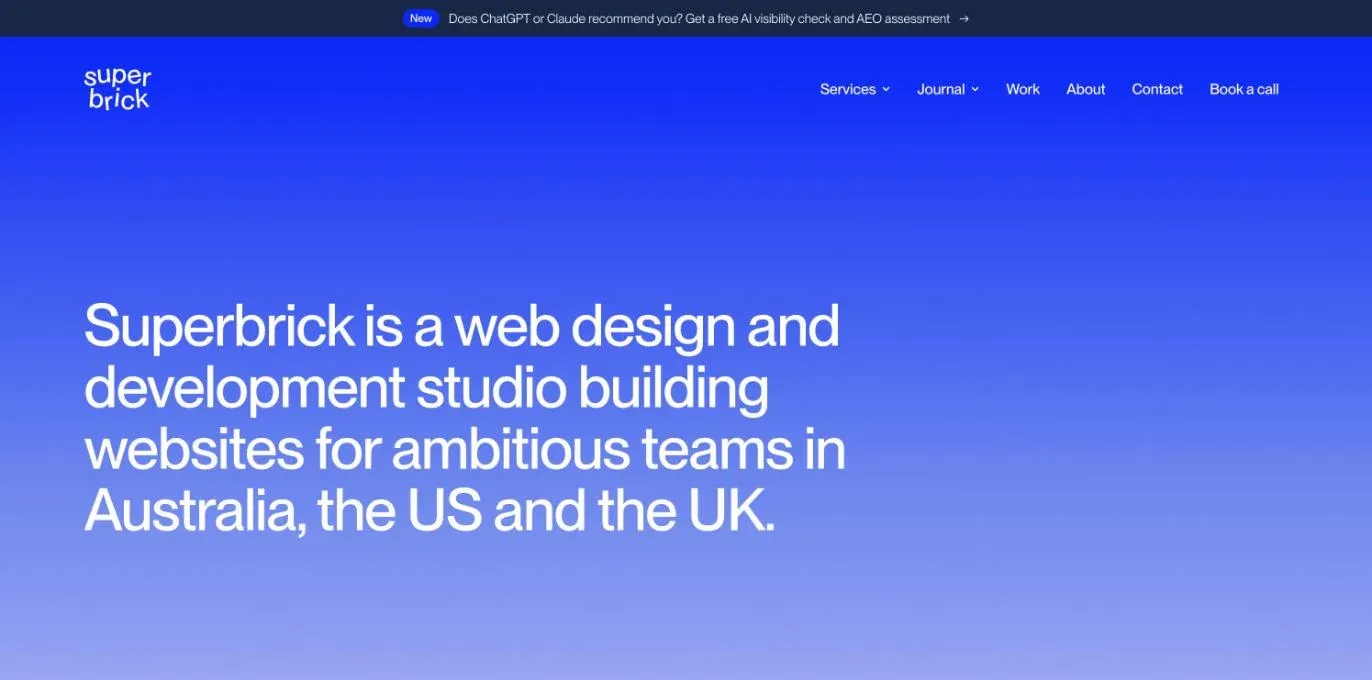
Our site is a content-led marketing site, so we built it in Astro. Forms and the question bar run as small server functions; every page is static HTML.
When Next.js is the better choice
- The site is part of the product. Logged-in areas, account pages, dashboards and pages built from live data are what Next.js is designed for.
- Your developers already work in React. The marketing site can share components, design and code with the app.
- Pages depend on data that changes constantly, such as listings, inventory or personalised content, rendered on request.
The trade-off for a marketing site is weight and upkeep: React ships to the browser, and the framework and its dependencies need keeping up to date by people who know them.
Who edits each one
Neither has a visual editor of its own. On both, your team edits through one of three routes:
- A headless CMS such as Sanity, connected by a developer. We compare the options in the best CMS for Astro, and show the setup in how to use Sanity with Astro.
- Files in the code, such as Markdown posts. On Astro these are content collections, checked against a schema when the site builds.
- An AI assistant that makes the change on a preview for someone to check before it goes live.
If your marketing team wants to build and publish whole pages itself in a visual editor, neither framework is the answer: Webflow is. We compare that choice in Webflow vs Astro and Webflow vs Next.js.
Where they’re hosted
Both deploy to the same hosts, including Vercel, Netlify and Cloudflare. A static Astro site needs no adapter on Vercel (Astro); ours runs that way, with forms as separate functions. Webflow Cloud also hosts Next.js and Astro apps alongside a Webflow site, so a custom app can sit on the same domain as pages your team edits visually (Webflow).
How to decide
- Is it a site people read, or an app people use? Read: Astro. Use: Next.js.
- How much of each page is interactive? A few components: Astro. Most of the page: Next.js.
- Who will maintain it? Next.js makes most sense when React developers already look after your product.
- Do you need both? Keep the marketing site in Astro and the app in Next.js, each on its own path or subdomain.
If you’re starting from WordPress or Webflow, see WordPress to Astro migration or Webflow to Astro migration, and how to build a website with Astro for the build itself.
Questions we get asked
Is Astro better than Next.js for SEO?
For a content site, Astro has the easier starting point: pages are plain HTML with little or no JavaScript, so they load fast and are simple for search engines to read. Next.js can be just as search-friendly when built well. Both need titles, canonicals, a sitemap and structured data set up, as covered in Astro SEO.
Is Astro faster than React?
Astro isn’t a replacement for React: it can use React components. The speed difference is how much JavaScript reaches the browser. Astro sends none by default and loads it only for components that need it, while a React app sends React to every page. For pages people mostly read, that usually means faster loads.
Is Next.js still relevant in 2026?
Yes, for web applications. Next.js is actively developed, and its App Router supports newer React features such as Server Components (Next.js). For a marketing site that’s mostly content, it’s often more framework than the site needs.
Can I use Next.js with Astro?
Not in the same project, but they work well side by side. Astro uses React components through its official integration, so components can be shared. You can run the marketing site in Astro and the product in Next.js, each on its own subdomain or path.
For a site built as code, see our Webflow and custom development service and our guide to Astro web development, or tell us about your site.