
Services
Strategy
We find the clearest path from what your business needs to what your website should do.
What’s included
- Page strategy
- Landing page strategy
- Site architecture
- Content planning
- Wireframes
- Migration planning




Branding
We shape a distinct visual identity that works on screen first and carries through everything you make.
What’s included
- Visual identity
- Brand refresh
- Colour & typography
- Moodboards & direction
- Brand guidelines
- Digital brand systems
Recent work


Design
We turn the plan into a distinct, usable design that feels right for your brand and works across every screen.
What’s included
- Website design
- UI design
- Responsive design
- Design systems
- Visual direction
- Content presentation


Development
We build fast, reliable websites in Webflow or with custom code, with the integrations each project needs.
What’s included
- Webflow development
- Custom website development
- Custom interactions
- Performance engineering
- CRM & email integrations
- Booking & payments


SEO & AI search
We make your site easy for search engines and AI assistants to find, understand and point people to.
What’s included
- Technical SEO
- AI search & AEO
- Structured data
- Answer-ready content
- Core Web Vitals
- AI crawler access
Optimisation
We keep improving what happens after launch, using real behaviour data to turn more visitors into enquiries.
What’s included
- Conversion optimisation
- A/B changes
- Landing pages
- Copy reworks
- Analytics & heatmaps
- Monthly improvements
Recent work
Latest
The newest posts, across every topic.



Design
Planning and designing websites, and the tools we use.



Development
Webflow, Astro, Claude Code, CMS choices and what builds really take.

SEO & AI search
Getting found in Google and quoted by AI assistants.


Studio
How we run projects, from proposals to launch week.



WordPress to Astro migration: how to do it
WordPress to Astro migration, step by step: keep WordPress headless or move the content out, rebuild templates, redirect every URL and launch without surprises.
- Written by
 Matthew Bishop
- Published
- Reading time
- 6 minutes
A WordPress to Astro migration starts with one decision: keep WordPress as the place you write content and use Astro only for the pages, or move the content out of WordPress altogether. After that it’s the same work as any move: list every URL, export the content, rebuild the templates as Astro components, replace what your plugins did, redirect every address that changes, and check it all on a preview before launch.
We haven’t moved a client from WordPress to Astro yet. What follows is the migration process we use on every move, including Altus’s from WordPress to Webflow, applied to Astro, the framework our own site is built with. If you’re still deciding on a platform, start with how to build a website with Astro or Webflow vs WordPress.
When moving to Astro makes sense, and when to stay
WordPress is good at what it was built for, and big publications run well on it. A growing marketing site is a different job. Pages tend to follow the theme’s templates, every plugin needs updating and adds code of its own, and each one is another thing to keep secure.
Astro suits a site where changes come through a developer or an AI assistant, speed matters, and you want the site to be plain code you own. Stay on WordPress if your team publishes through its editor every day and wouldn’t want to change that, or if the site depends on plugins nothing else replaces. If your marketers want to build pages themselves in a visual editor, Webflow is usually the better destination.
The plan at a glance
- List every page, post and URL.
- Choose where content will live.
- Export the content.
- Rebuild the templates as components.
- Move the images and files.
- Map every redirect.
- Replace what your plugins did.
- Check on a preview, launch, then watch.
1. List every page, post and URL
Take the XML sitemap, then add what it misses: category and tag archives, author pages, paginated lists and PDFs in the uploads folder. Search Console shows which of them get visits and links. Mark each one keep, merge or retire. A migration is the cheapest moment you’ll get to drop pages that no longer earn their place.
2. Choose where content will live
There are three realistic options:
| Option | How it works | Suits |
|---|---|---|
| Keep WordPress headless | WordPress stays the editor; Astro reads posts through WordPress’s built-in REST API and builds the pages (Astro) | Teams who want to keep writing in WordPress, with a faster front end |
| Move to Markdown files | Each post becomes a file in an Astro content collection, kept in Git with the code | Sites edited by developers or an AI assistant, like ours |
| Move to a new CMS | Content is imported into a headless CMS such as Sanity, which Astro reads | Teams who want a modern editor without WordPress’s upkeep |
Headless WordPress is the gentlest change for editors, but you still update and secure WordPress, now with two systems to run. We compare the editing options in the best CMS for Astro, and Sanity in more detail in how to use Sanity with Astro.
3. Export the content
For headless WordPress there’s nothing to export: Astro fetches the posts when the site builds. To move out, Astro’s guide points to a community tool, wordpress-export-to-markdown, which turns the WordPress export into Markdown files, and warns that large or complicated sites need more work (Astro).
Expect that work. Posts built with a page builder export as layout code rather than clean text: Altus’s did, so its posts moved across by hand. Shortcodes, embeds and tables usually need cleaning into plain Markdown, and each post’s SEO title and description need carrying over from the SEO plugin into its front matter.
4. Rebuild the templates as components
Don’t recreate the theme. Build one layout, then each section of the design as a reusable Astro component, and a template for posts that reads from the content collection. Define the collection with a schema, so a post missing its date or description stops the build rather than going live broken.
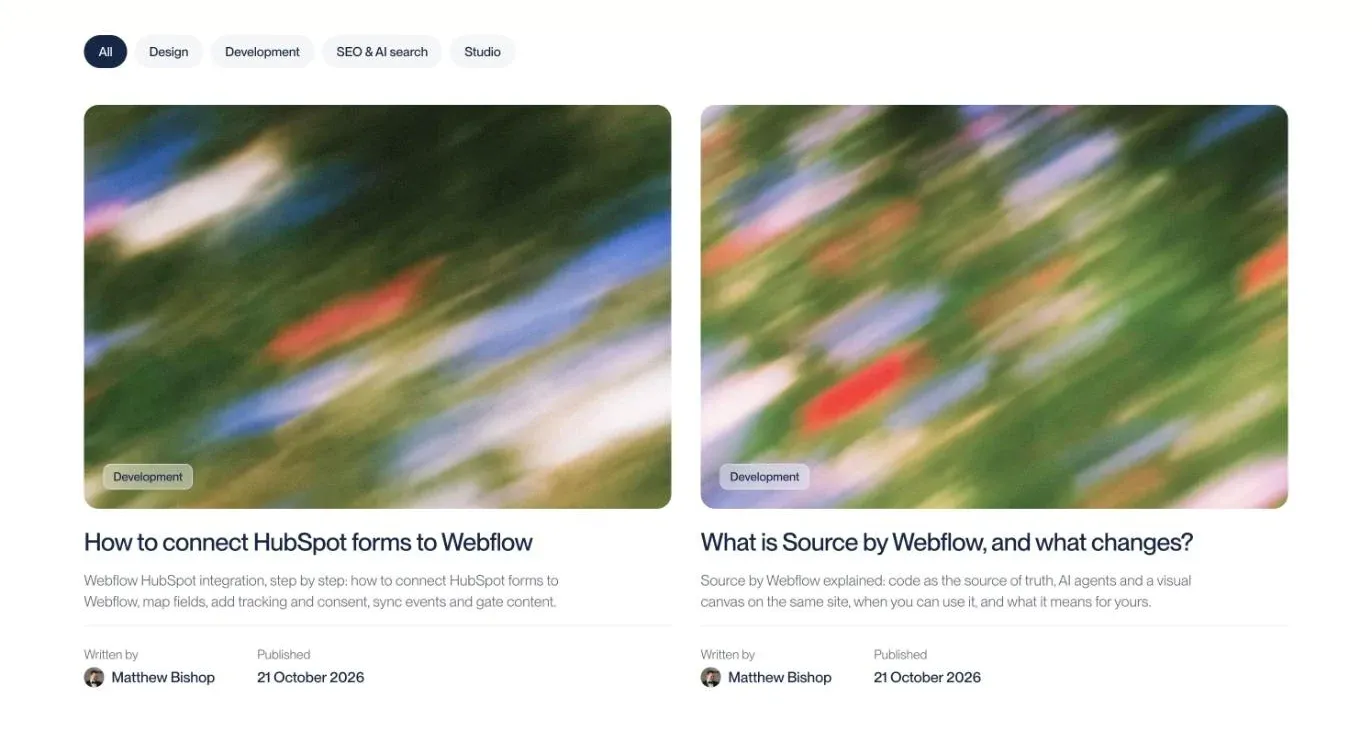
Our journal on Astro. Each card is built from a Markdown file’s front matter, the kind of structure WordPress posts move into.
5. Move the images and files
Images in the uploads folder move into the project, under src if you want Astro to resize and convert them, or public if they need to keep a fixed address (Astro). PDFs and other files usually keep their place in public, with a redirect from the old /wp-content/uploads/ address if it changes.
6. Map every redirect
Keep URLs the same wherever you can: an address that doesn’t change needs no redirect. WordPress often adds dates or folders to post addresses, so decide early whether to keep that pattern. Everything that moves gets a permanent (301) redirect, in one hop, to its closest new page, not the home page.
On Vercel, redirects live in the project’s vercel.json, alongside the code. Our own site has 12 there. Larger moves need far more: Fresh Clinics, moving off HubSpot’s CMS, needed 324. Your team should approve the redirect map, because each line is a decision about content. For the search side, see website migration SEO.
7. Replace what your plugins did
List every active plugin and decide what takes its place:
- Forms become your CRM’s embedded forms, or a small server function. Ours posts to a Vercel function that sends through Resend.
- SEO fields move into front matter or CMS fields, rendered by one SEO component.
- Sitemaps and schema are built with the site. See Astro SEO.
- Caching and security plugins are usually no longer needed: Astro builds static HTML with no database behind it.
- Analytics and consent are set up again and tested.
8. Check on a preview, launch, then watch
Every push to a branch on Vercel creates a preview deployment, so the whole new site can be checked before it replaces the old one (Astro). Compare it against the old site: headings inside posts, every form through to the CRM, page titles and descriptions, and a sample of redirects tested against old addresses.
Put the redirects in place before the domain moves, submit the new sitemap to Search Console on launch day, and watch it closely for the first weeks. Rankings can still move after any migration, and Search Console shows early which pages need attention.
Questions we get asked
Why are people moving away from WordPress?
Mostly for upkeep and control. Every plugin needs updating and adds code, each one is a security consideration, and pages tend to follow the theme’s templates. Teams moving to Astro want fast pages built as code they own; teams moving to Webflow want a visual editor with hosting and updates handled.
Why is Astro better than WordPress?
It isn’t better for everything. Astro builds plain HTML with no database or plugins to maintain, so pages are fast and there’s less to keep secure. WordPress is better when editors publish daily in its dashboard or the site relies on its plugin ecosystem. For a marketing site edited through code, Astro is often the simpler choice.
Is WordPress still worth it in 2026?
Yes, for the right site. WordPress still suits big publications, teams with WordPress developers who look after it well, and sites that depend on plugins nothing else replaces. For a growing marketing site, the plugin upkeep and templated pages are what usually push teams towards Astro or Webflow.
Can I keep WordPress and use Astro?
Yes. WordPress can stay as your editor while Astro builds the pages, reading posts through WordPress’s built-in REST API. Editors keep the dashboard they know and visitors get a faster site, but you still run and update WordPress behind it.
If you’re planning a move off WordPress, see our website migration service, or tell us about your site. For the other guides on Astro and custom-code sites, see Astro web development.